Auth & RLS
JWT claims carry org context. Postgres decides which rows are visible. Storage follows the same rule.

Postgres holds the model and access rules. Clients show honest loading, errors, and sync state. Local queues only when dropping offline would lose real work.
Postgres enforces who may read and write; the UI does not guess policy.
Retries and clear failures by default; device queue when offline would lose work.
Failures surface in the product and in telemetry so nobody is left guessing.
The same ideas show up in different products. Each write-up explains the choices.
RLS and storage rules keep tenant data apart. APIs stay thin and easier to check.
When the use case needs it, work is saved locally first and an outbox sends it later. Many apps stay online-first with good cache boundaries and visible errors instead.
Realtime updates are scoped per tenant. The app only listens to what it needs.
Managed Postgres, auth, and storage reduce maintenance work. Less ops load is a feature.
Sync state and error states belong in the product, not only in logs. Users should know what failed.
Small system patterns I reuse when the product needs them.
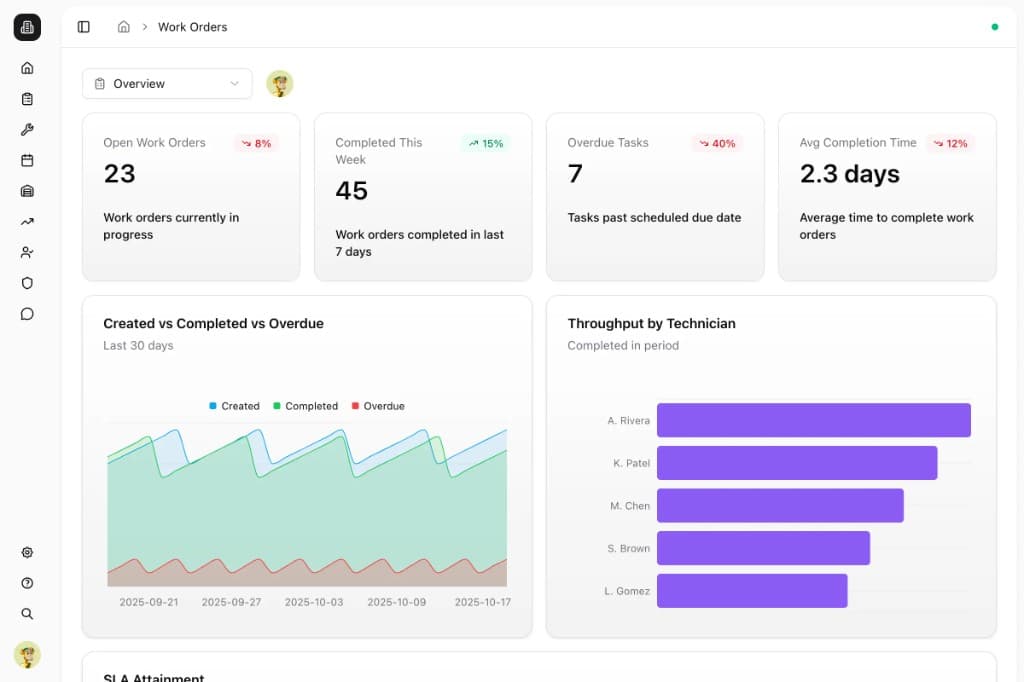
Click a card to expand the diagram.
The tools grouped by what they are responsible for.
TypeScript across the app, so data shapes and contracts are clear while building.
React, shadcn/ui, and Tailwind for small UI pieces that are easy to change.
Next.js for most apps. Vite and TanStack Router when a focused SPA is a better fit.
PostgreSQL and Supabase for data, auth, storage rules, and tenant boundaries.
TanStack Query for server data. Zustand for UI state. IndexedDB and an outbox when work must sync later.
pnpm by default. Turborepo when multiple apps need to share code.
Vercel to ship. Sentry, logs, and Postgres metrics to see what broke.